Official photo requirements
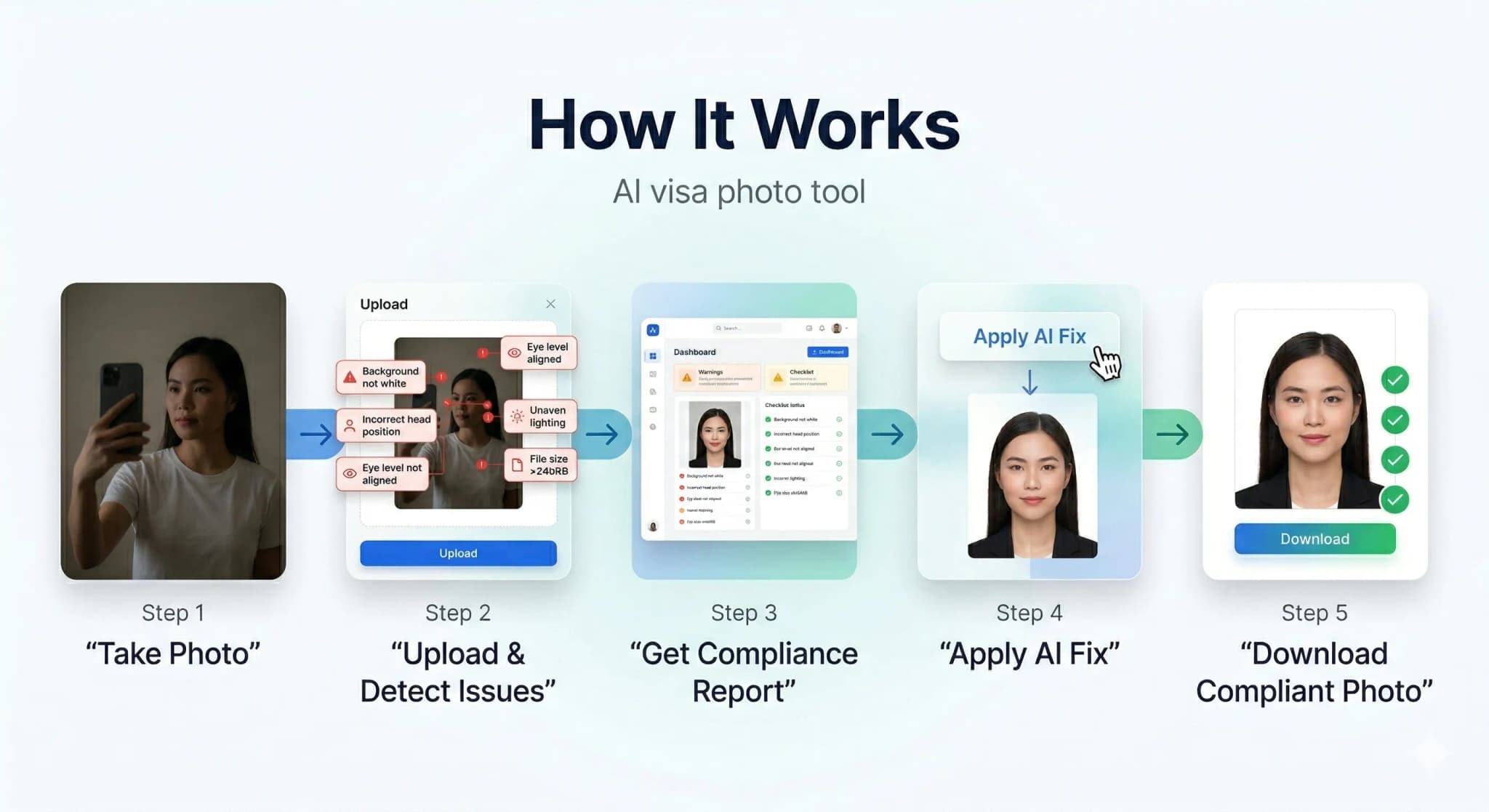
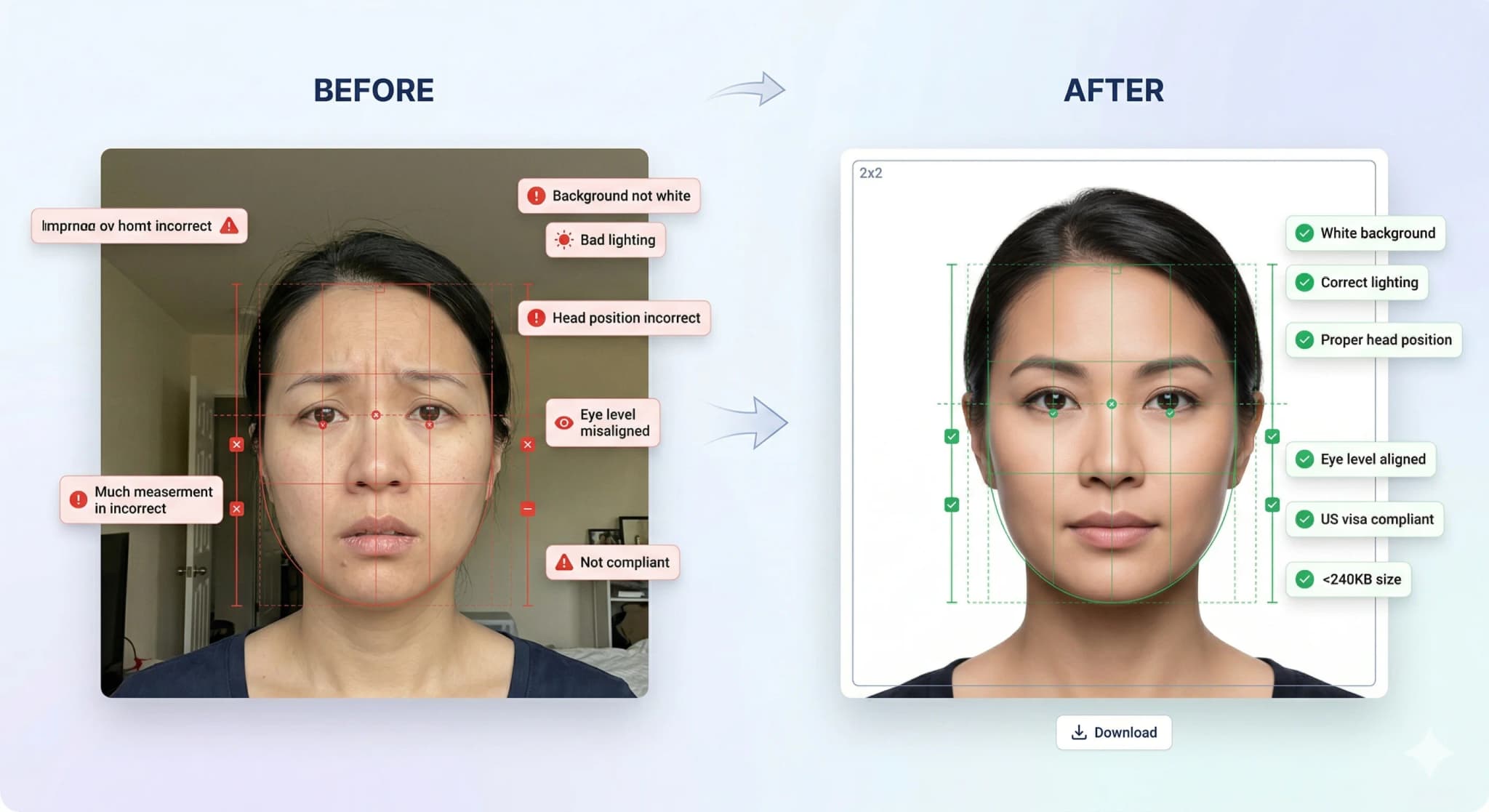
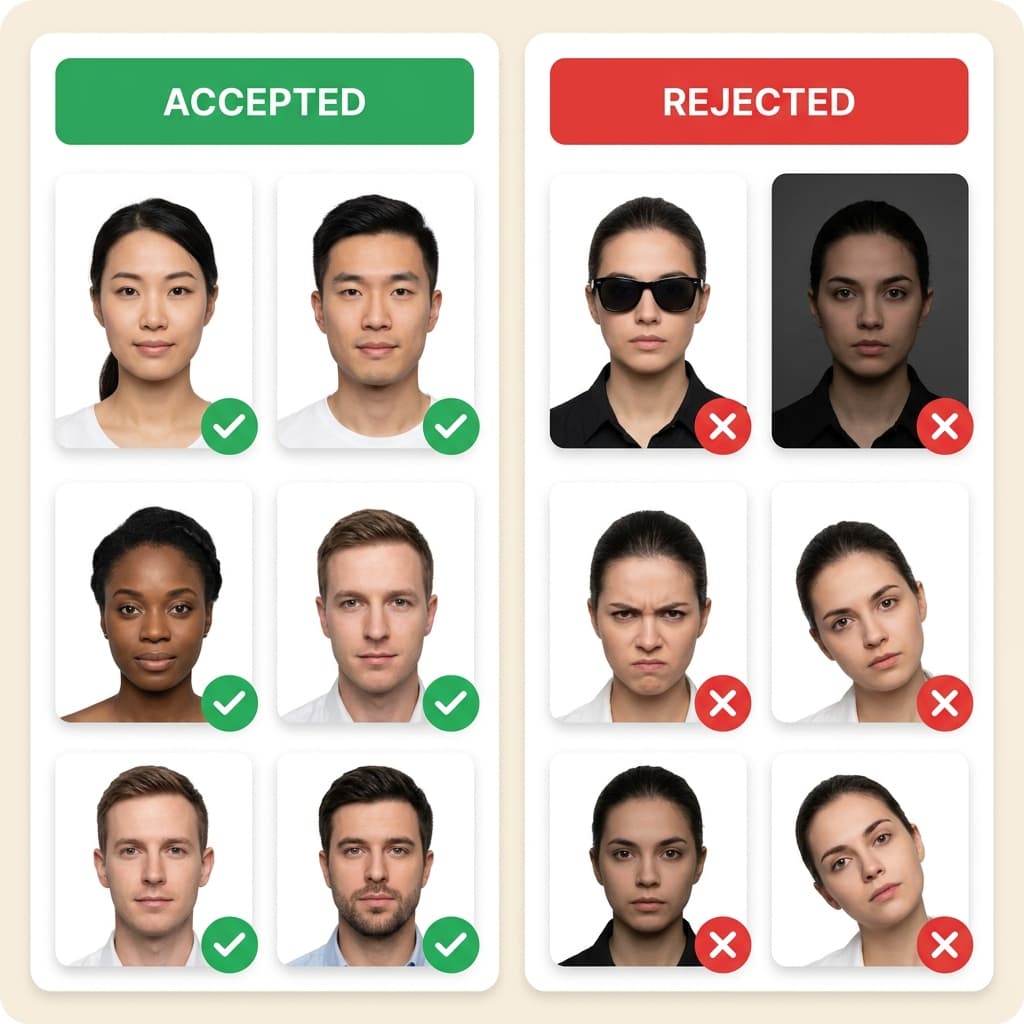
According to the U.S. Department of State, your visa photo for the DS-160 must be 600x600 pixels, have a white background, no glasses, and a file size under 240KB. Most people fail because of small mistakes like incorrect head height (must be 50-69%), shadows, or background tint detected by the CEAC portal. PhotoResizer.us automatically checks and fixes all these requirements. The official state.gov tool only crops; we ensure full compliance so your $185 fee is safe.
Official US Visa Photo Guidelines
| Parameter | Requirement |
|---|---|
| Dimensions | 600x600 px (2x2 inches / 51x51mm) |
| File size | 10KB – 240KB (JPEG format) |
| Background | Plain white background (no shadows) |
| Head height | 50–69% of total image height |
Don't risk a biometric rejection at the embassy. "Invalid Image" or "Illumination Error" on the CEAC portal means your photo is non-compliant. Use our VisaCompliance Studio to run the exact same digital checks the government uses, giving you a 100% guarantee before you submit your $185 application.
Avoid 221(g) Refusals
Incorrect photo dimensions are a leading cause of administrative processing delays. Our tool strictly enforces the State Department's 600x600 pixel minimum.
File Size Compliance
Automatically compresses your image to meet the strict <= 240 KB upload limit for the CEAC portal.
Perfect for F1, K1, and B1/B2 Visas
Whether you need a student visa photo or a K1 fiancé visa photo, this tool calibrates your image to exact US Embassy standards.
iPhone Display P3 → DS-160 sRGB Rejection
If your DS-160 photo upload keeps failing with no clear error, the most common hidden cause is color space mismatch. iPhones since the iPhone 7 capture photos in Display P3 color space, but the CEAC portal requires sRGB. The portal silently rejects Display P3 images — no error message, just a failed upload. Our VisaCompliance Studio automatically converts your photo from Display P3 to sRGB during processing, so your DS-160 upload works on the first try.
221(g) Administrative Processing and Photo Issues
A 221(g) refusal puts your visa into "administrative processing" — a dreaded limbo that can last weeks or months. While 221(g) is usually triggered by security checks, biometric photo non-compliance is an overlooked cause. If the consular facial recognition system cannot properly match your photo due to incorrect color profiles, heavy compression artifacts, or non-standard dimensions, it may flag your application for further review. Submitting a technically perfect photo eliminates this risk entirely.
Who uses this tool
- General US Visa applicants (DS-160, CEAC portal).
- Anyone preparing for a US consulate interview.
- Users with "Illumination Error" or "Invalid Image" errors.
Step-by-step guide
- Prepare your photo. Use a plain background and even lighting. No filters or editing.
- Upload above. The tool is pre-set with the correct dimensions for this visa type.
- Download and check. Verify file size and dimensions.
- Submit. Upload the compliant photo to the visa application portal.
Related tools
- Biometric Studio – official ICAO 9303 compliance & white background.
- Background Color Changer – adjust background colour.
- All Visa Photo Tools – browse other visa types.
Authoritative US Visa Industry Guides
DS-160 Complete Requirements Guide
Exhaustive 14-point check-list to ensure your US Visa photo is never rejected.
H1B, J1, & B1/B2 Category Guide
Specific requirements for professional, student, and visitor visa photographs.
DPI for Visa Photos Explained
Why DPI matters more than resolution for successful DS-160 uploads.
DPI vs PPI Resolution Guide
Master image resolution for professional government document prints.