File-related rejections
- File too large: Photo exceeds the maximum KB limit (e.g., 300KB). Solution: Use PhotoResizer.us to compress to exact KB.
- File too small: Photo is below minimum size (e.g., under 10KB means very low resolution). Take a higher resolution photo.
- Wrong format: Uploading PNG when JPEG is required. Use Format Converter.
- Wrong dimensions: Pixel dimensions don't match. Use Pixel Resizer.
Background-related rejections
- Non-white background: Coloured walls, curtains, or outdoor backgrounds.
- Uneven background: Shadows, stains, or textures visible.
- Objects in background: Furniture, other people, or decorations visible.
Fix: Use Background Color Changer to swap to pure white.
Need to resize or fix your photo right now?
Try our free AI compliance checker — instant results, no sign-up.
Face and expression rejections
- Face not centred: Head too far to one side or too high/low.
- Expression too strong: Smiling, frowning, or mouth open. Smile rules explained.
- Eyes closed or looking away: Both eyes must be open and looking at the camera.
- Face partially hidden: Hair covering eyes, scarf across face, etc.
Accessory-related rejections
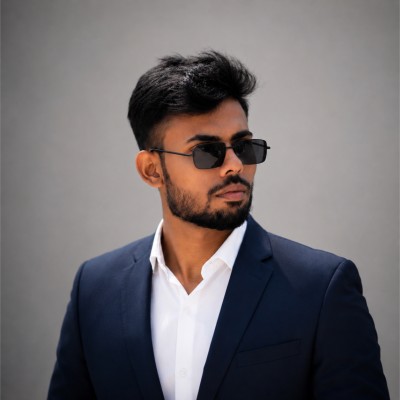
- Glasses with glare: Reflections on lenses hide the eyes. Glasses rules guide.
- Headwear: Caps, hats, headbands (religious exceptions apply). Hairstyle rules.
- Jewelry obscuring face: Large earrings or necklaces creating shadows. Jewelry rules.
Universal fix checklist
- White background — use Background Changer
- Correct dimensions — use Image Resizer
- Correct KB — set target in resizer tool
- JPEG format — use Format Converter
- Neutral expression, both eyes visible
- No glasses, hats, or face-obscuring accessories